In this article we are going to cover How to download and install GitLab runner on windows, Register GitLab Runner and GitLab Runner commands.
Table of Contents
What is GitLab Runner ?
GitLab Runner is used in GitLab CI/CD(continuous integration/continuous delivery) to run jobs in a pipeline. It is open source continuous integration service. GitLab runner is a build instance which is used to run the jobs over multiple machines and send the results to GitLab and which can be placed on separate users, servers, and local machine. You can register the runner as shared or group or project after installing it.
Types of GitLab runner
- Share Runners
- Group Runners
- Project Runner
Share Runners: Share runner are available for jobs that have same requirement for multiple projects. If you use multiple runner for many jobs/projects then it avoid using single runner or minimum runners for many projects. It is use FIFO (first in first out) queue. Share runners are available to all groups and projects in a GitLab executor.
Group Runners: Group Runner are available for many projects or multiple subgroup in single group to have access to a set of runners. It is use FIFO (first in first out) queue.
Project Runner: Project runner are available for specific requirement for jobs in one project at a time.
How to Install GitLab Runner on Windows ?
Step #1:Download and install GibLab Runner on windows
Go to official GitLab Runner download web page and download binary exe file.
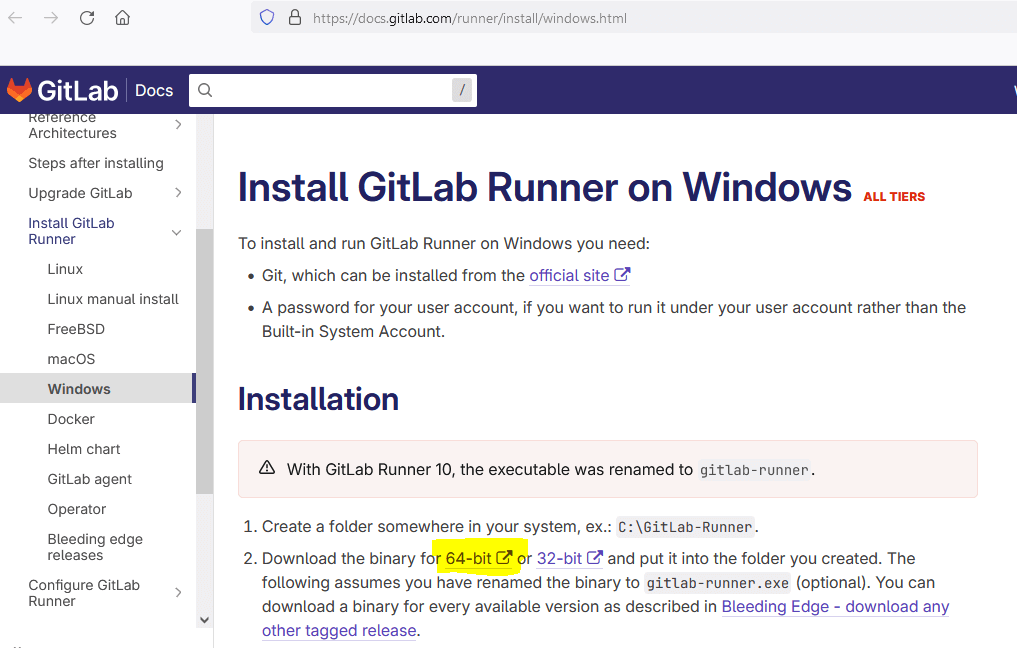
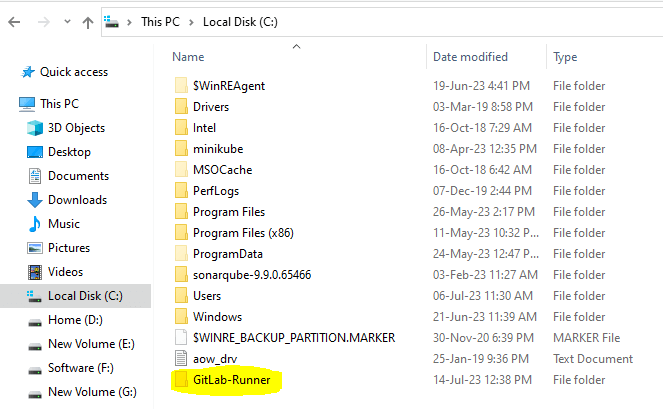
After downloaded binary File copy it , Go to c drive and create new folder ex: C:\GitLab-Runner
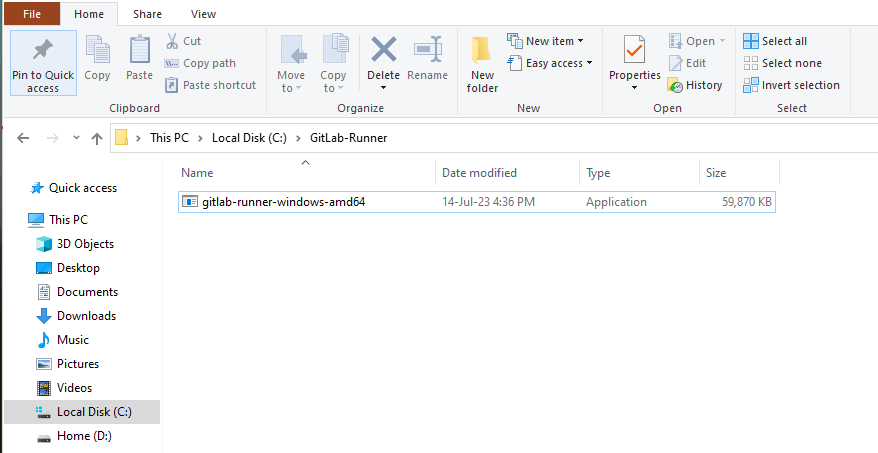
and paste binary in that folder which you created.
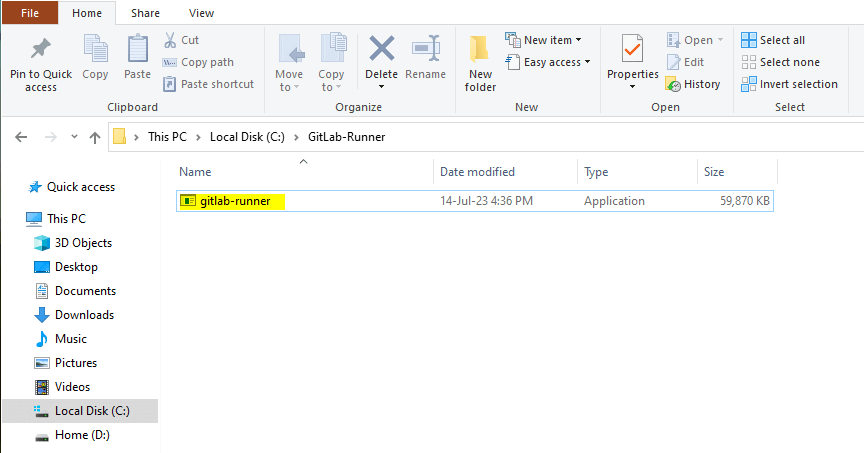
Rename downloaded file ex: gitlab-runner
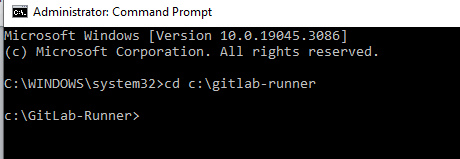
Open command prompt and go to directory where GitLab Runner file saved using below command.
cd c:\GitLab-Runner
To install GitLab Runner run the below command.
.\gitlab-runner.exe install
To verify GitLab Runner version using below command
.\gitlab-runner –v

Step #2:Register GitLab Runner on Windows
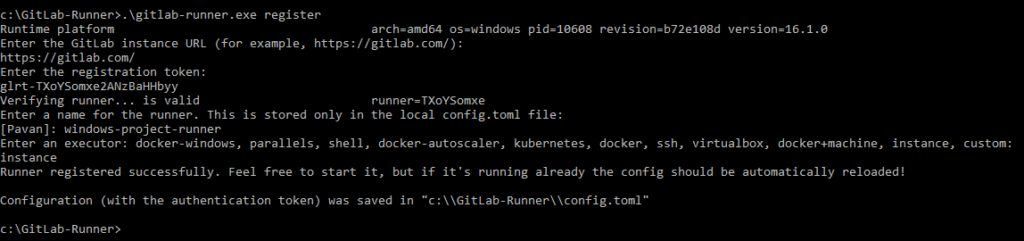
To register GitLab runner run below command
.\gitlab-runner.exe register
Enter the GitLab instance URL
https://gitlab.com/

Enter the registration token:
To get token, you have to go your GitLab project -> setting -> CI/CD -> Runner
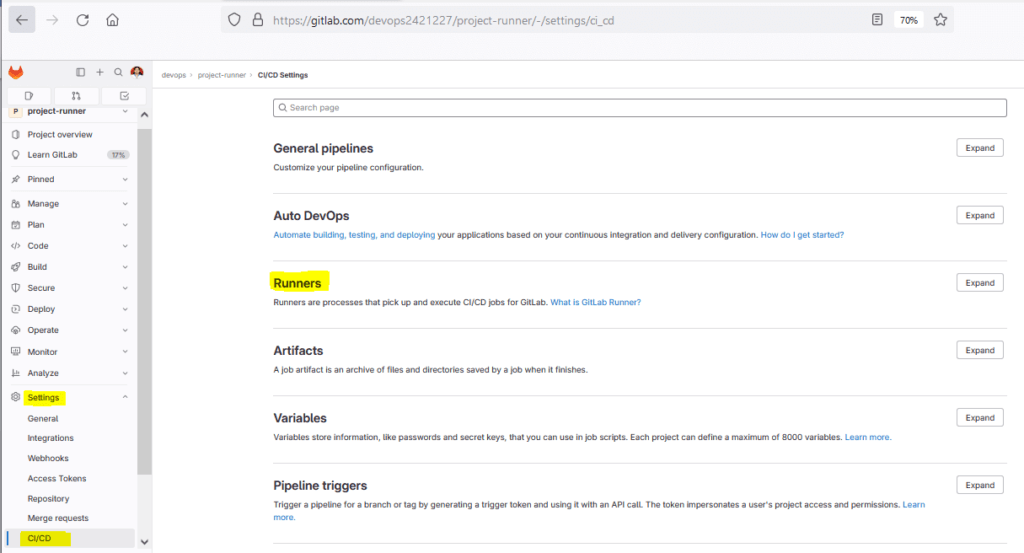
Expand runner to access token
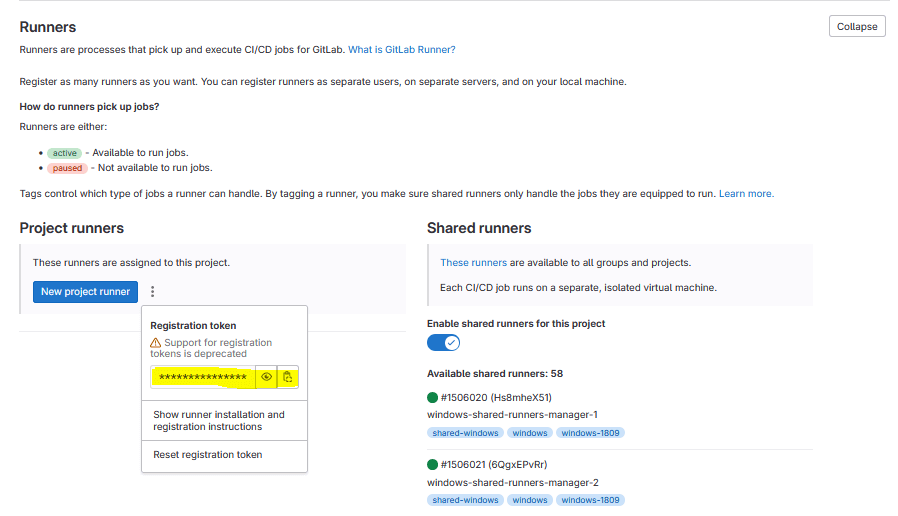
glrt-TXoYSomxe2ANzBaHHbyy
Enter a description for the runner:
Project runner
Enter tags for the runner (comma-separated):
windows
Enter an executor:
instance
Then you will get Runner registered successfully.
If you are refresh the gitlab page and again go to project -> setting -> CI/CD -> runner -> expand it then you can see assigned project runner.
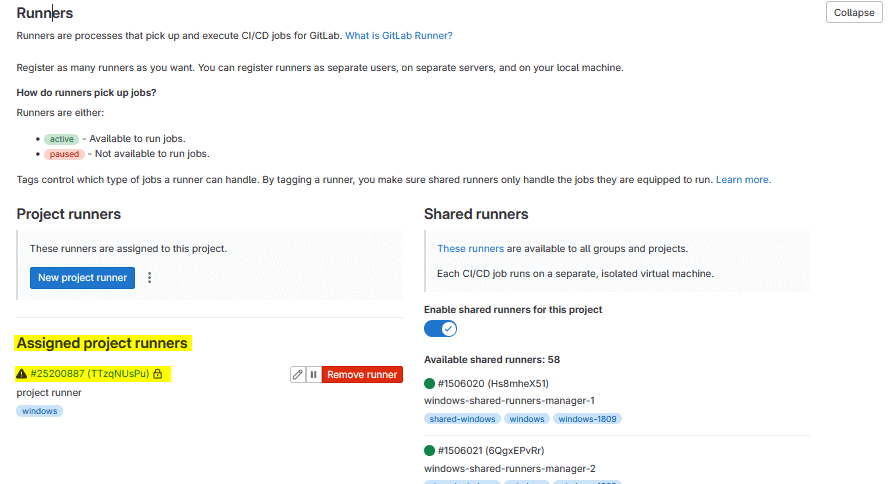
You can see the GitLab Runner configuration in the config.toml file under the GitLab-Runner folder as shown below.
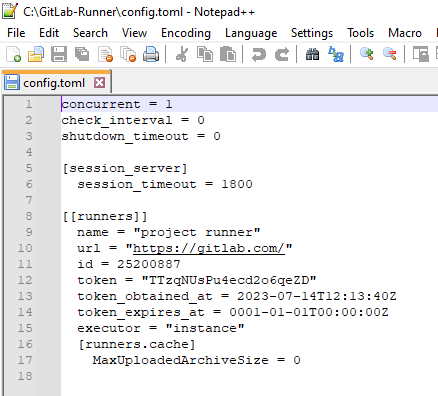
Step #3:GitLab Runner Service command
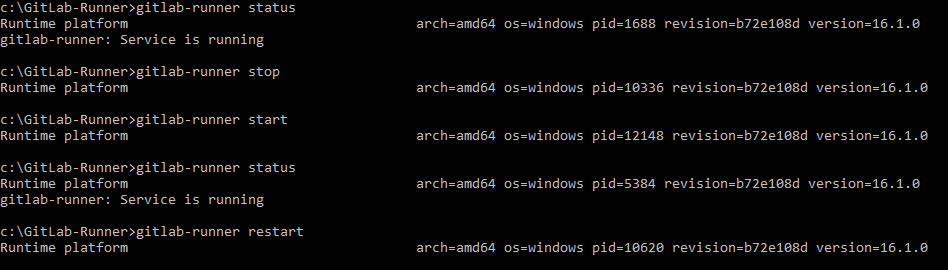
To prints the status of the GitLab Runner service.
gitlab-runner status
To start gitlab runner service
gitlab-runner start
To stop the gitlab runner service.
gitlab-runner stop
To stop and then start the gitlab runner service
gitlab-runner restart
Step #4:Uninstall GitLab runner on Windows
To uninstall gitlab runner on your system.
gitlab-runner uninstall
In this article we have covered How to download and install GitLab runner on windows, Register GitLab Runner, GitLab Runner Services.
Conclusion:
In this article we have covered How to download and install GitLab runner on windows, Register GitLab Runner and GitLab Runner commands.
Related Articles:
